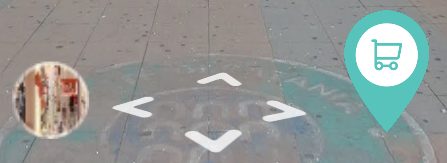
Navigation markerWhen a visitor clicks on a Navigation marker in the virtual tour, it will lead you to a next panorama.
|
|
We provide a 3 different types of Navigation marker which will change the current panorama.
|
|
|
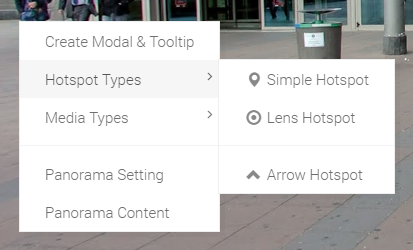
First, you need to click your second mouse button to open tools menu. From this tool you can see "Navigation marker Types" menu, which have 3 submenus looks like image on left side. |
|
|
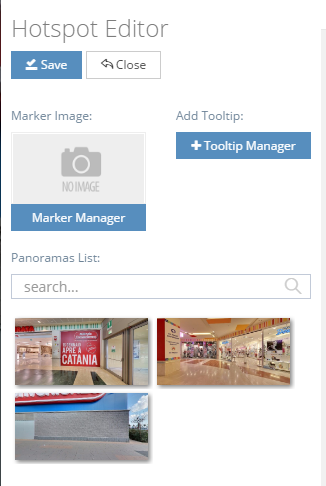
When you click a "Simple Navigation marker" menu you can see the options related with this. Here is the explanation of it's options.
|
|
|
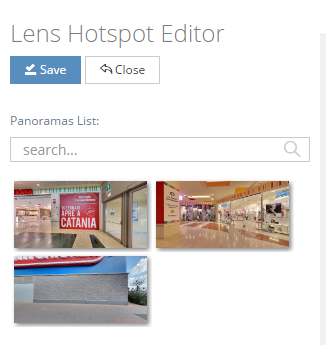
When you click a "Lense Navigation marker" menu you can see the options related with this. Here is the explanation of it's options.
|
|
|
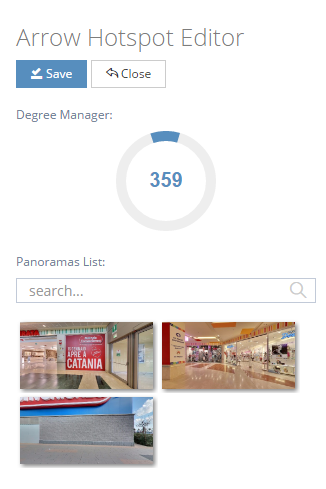
When you click a "Arrow Navigation marker" menu you can see the options related with this. Arrow Navigation marker is one of our unique feature. Here is the explanation of it's options.
|